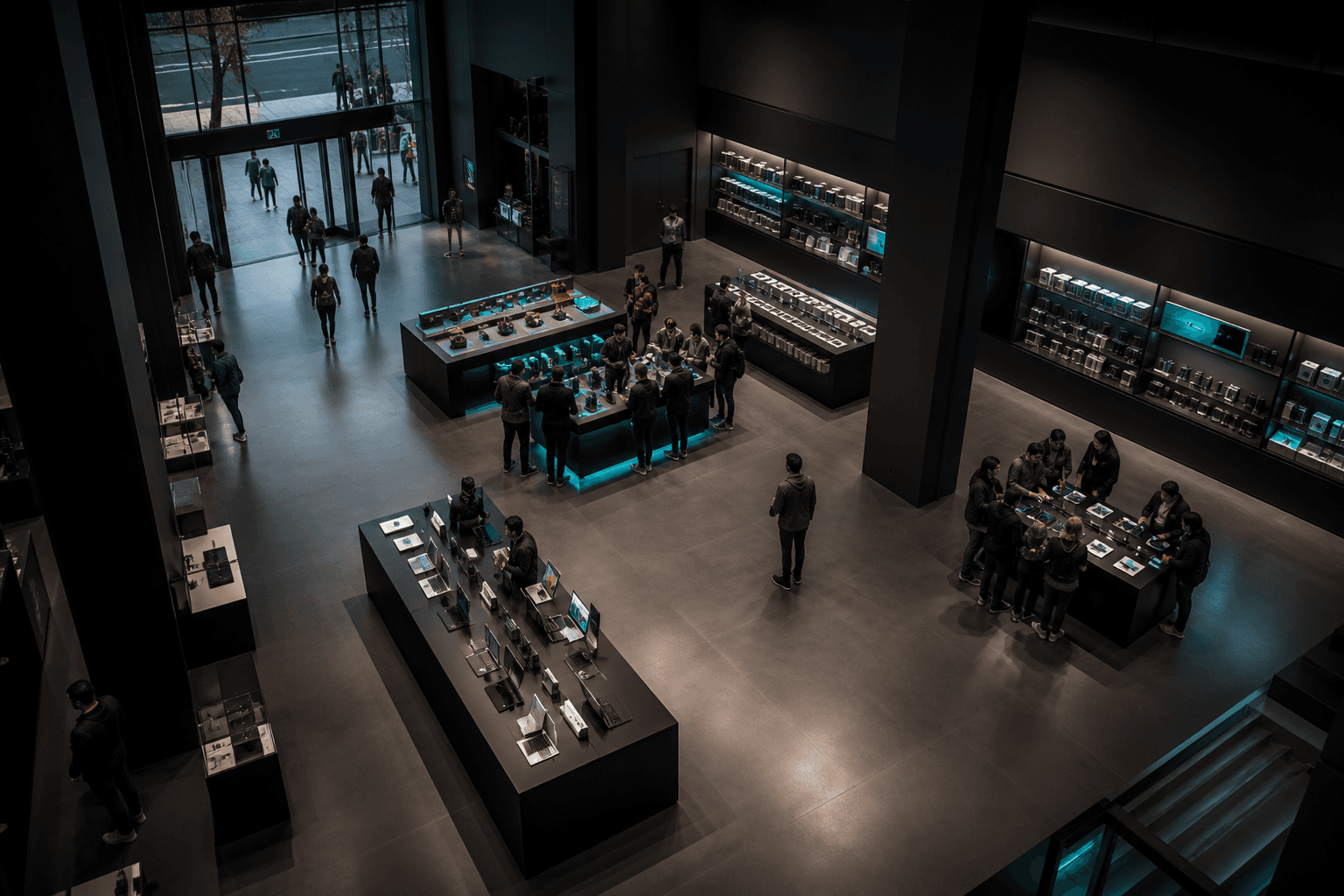
Visitors explore products and move between demo and service areas. See where expert help is needed.
People explore featured products, use demo areas and move toward expert help, consultation, service or pickup before any purchase is recorded. AnyVidi shows where they go, where they wait and whether the right store team is nearby.
See how visitors move through product displays, demo areas, expert support, consultation, service and pickup, where they wait and whether the right store team is nearby.
Across the visit
Movement & journeys
Follow current and completed visits through product displays, demo areas, expert support, consultation, service and pickup, including stops and changes of direction.
Beyond the headcount
People, roles & context
See visitors, groups and store teams together without identifying people or scoring individual employees.
At a place and time
Events & touchpoints
See when visitors arrive, pause at a display, use a demo area, begin waiting or meet a store specialist.
Around physical assets
Space & asset use
See how product displays, demo tables, consultation desks, waiting areas, service desks and pickup points are used.
Review completed visits, see where support is needed now and compare what happened after one planned team move.
REVIEW
Understand what happened across your space.
Rendering sector view
The visitor continued from the entrance to the featured products, demo area and experience area.
Follow the completed route across the store. It shows where the visitor went, not what they intended to buy.
LIVE
See what needs attention now, while your team still has time to act.
Rendering sector view
The demo area and the waiting area beside the service desk are busiest.
Current visitor positions show activity concentrated in these two areas.
IMPROVE
Compare what changed after a manager-selected change.
Rendering sector view
The service specialist moved from the back of the store to a position closer to the visitors waiting by the service desk.
The later observation places the specialist closer to the waiting area. It does not establish that service improved.
Understand the store. Not the person.
Camera images are processed on site by default. Only anonymous movement and events may be sent for reporting. We check whether existing cameras adequately cover public product displays, demo areas, consultation, waiting, service and pickup points.
AnyVidi does not use face recognition, biometric identity or personal profiles, and does not score employees or infer purchase intent. Product selection, service tickets, orders, purchases and stock information require separately authorized business records.
A Spatial Audit checks whether your existing cameras can reliably cover public product displays, demo areas, consultation, waiting, service and pickup points. Together, we choose the first operating question, the areas to measure and when the team may need an alert.
If the answer needs product selection, a service ticket, an order, a purchase or stock information, we assess access to authorized business records separately. The camera plan remains useful without them.