Team coverage
Demand and support
No longer overlap

The opening experience shows one physical space becoming progressively understandable. Supported existing cameras observe anonymously. A shared spatial reference resolves into the physical operating model. An anonymous journey reveals a bottleneck and a local coverage gap. A manager-reviewed intervention opportunity and recurring local context remain grounded in that same world.
AnyVidi
See how your operation actually runs using the cameras you already have.
AnyVidi works with supported existing cameras, so you can start without adding a new sensing layer.
Each view is aligned to the same 3D space, so movement and activity can be understood across the whole location.
Measure distances and object dimensions, and estimate anonymous person height across the mapped space.
After an exposure or interaction, follow the next physical step through the space.
Spot where queues build, movement slows or visitors wait longer than expected.
Compare customer demand with staff presence to find areas that are being left uncovered.
Keep the active condition and response location visible while there is still time to act.
AnyVidi surfaces what deserves attention while the decision stays with your team.
Keep the suitable views from your existing CCTV and IP cameras. AnyVidi adds an on-site Edge PC and a shared spatial reference to bring those views together in one Living Operational Twin.
Keep the views that already work.
Add the spatial processing layer.
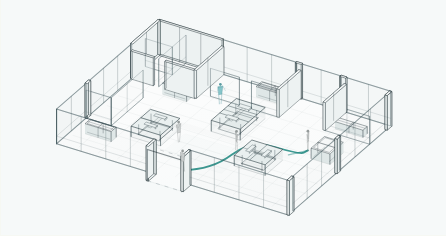
See movement, journeys, waiting and where attention is needed.
Video is processed locally on the Edge PC.
Where camera views are suitable, the core deployment does not require LiDAR or dedicated depth sensors.
A short guided walkthrough maps the space. From there, see where people go, where they pause or wait, and whether staff are nearby.
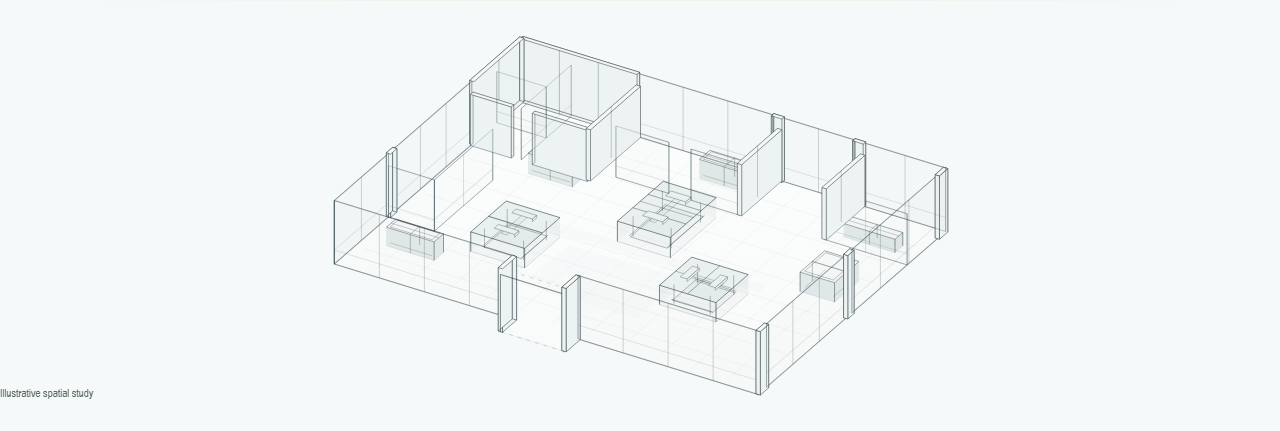
We map the space with a guided walkthrough, then check what each camera can reliably see.
See how people move between areas the cameras cover, without identifying them.
See where people pause and for how long, not what they intend to do.
See where waiting builds, using the rules we agree with you.
See whether staff are nearby when people are waiting. People remain anonymous.
Spot recurring patterns in the areas we have checked, so managers know where to take a closer look.
When waiting builds and help is elsewhere, AnyVidi can flag it under rules we set with your team.
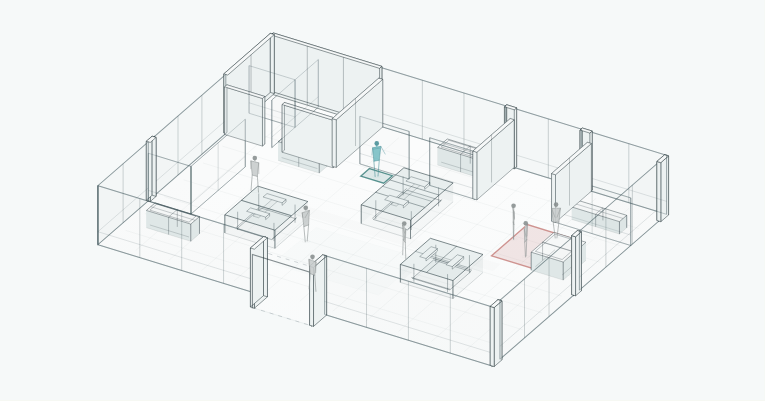
Response opportunity
In supported pilots, alerts go to the available staff group set up for that area.
The alert tells you where to look and why.
Your team stays in control.
Video is processed on site by default. Anonymous events may sync for reporting and approved location learning. No facial recognition or biometric identity.
Our privacy approachYour team has a day to run, not another screen to watch. AnyVidi flags the moments that match the rules we set with you.
One location.
One working day.
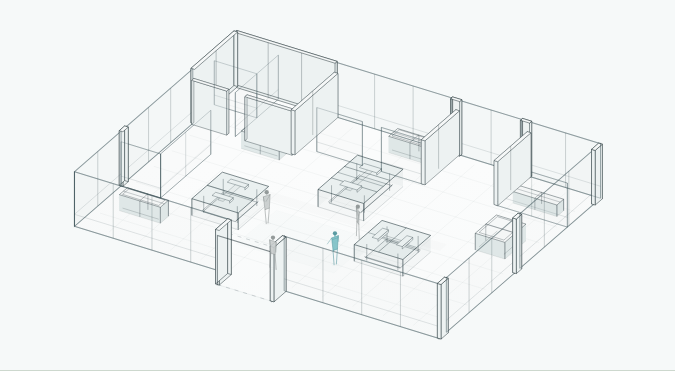
Visitors begin arriving. Staff are nearby.
Example day for a supported pilot, not customer results.
Visitors begin arriving. Staff are nearby.
Staff are nearbyMore people reach collection. Nothing needs attention yet.
Nothing needs attention yet.People begin waiting near collection. For now, it is worth watching.
Worth watchingWaiting is building at collection and no staff are nearby.
Team notified.Waiting is easing and staff are nearby again. Managers can review how long this lasted.
See what changedA new waiting point is developing near the entrance.
Team notified.A lot happened. Only some moments needed attention.
Compare waiting, journeys and staff coverage across locations, without losing sight of how each place works.
A larger floor with a shared collection point.
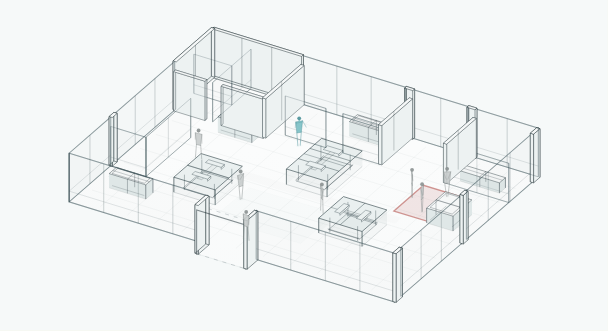
Waiting keeps returning at collection.
A smaller floor with a different route to service.
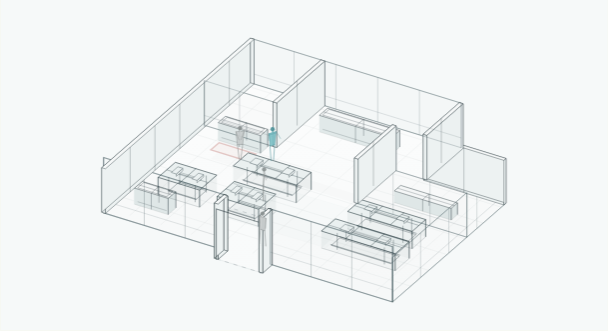
Waiting is occasional here.
Compare more than totals. Compare like with like: the same measure, comparable areas and the same period.
Example locations, not measured results or a ranking.
We check the cameras already in place, confirm what they can measure and build a focused pilot around the question that matters first.
Start with the cameras you have.
Check what the cameras can see clearly.
See which areas are covered and which are not.
Choose the question to answer first.
Agree what to try and how to judge it.