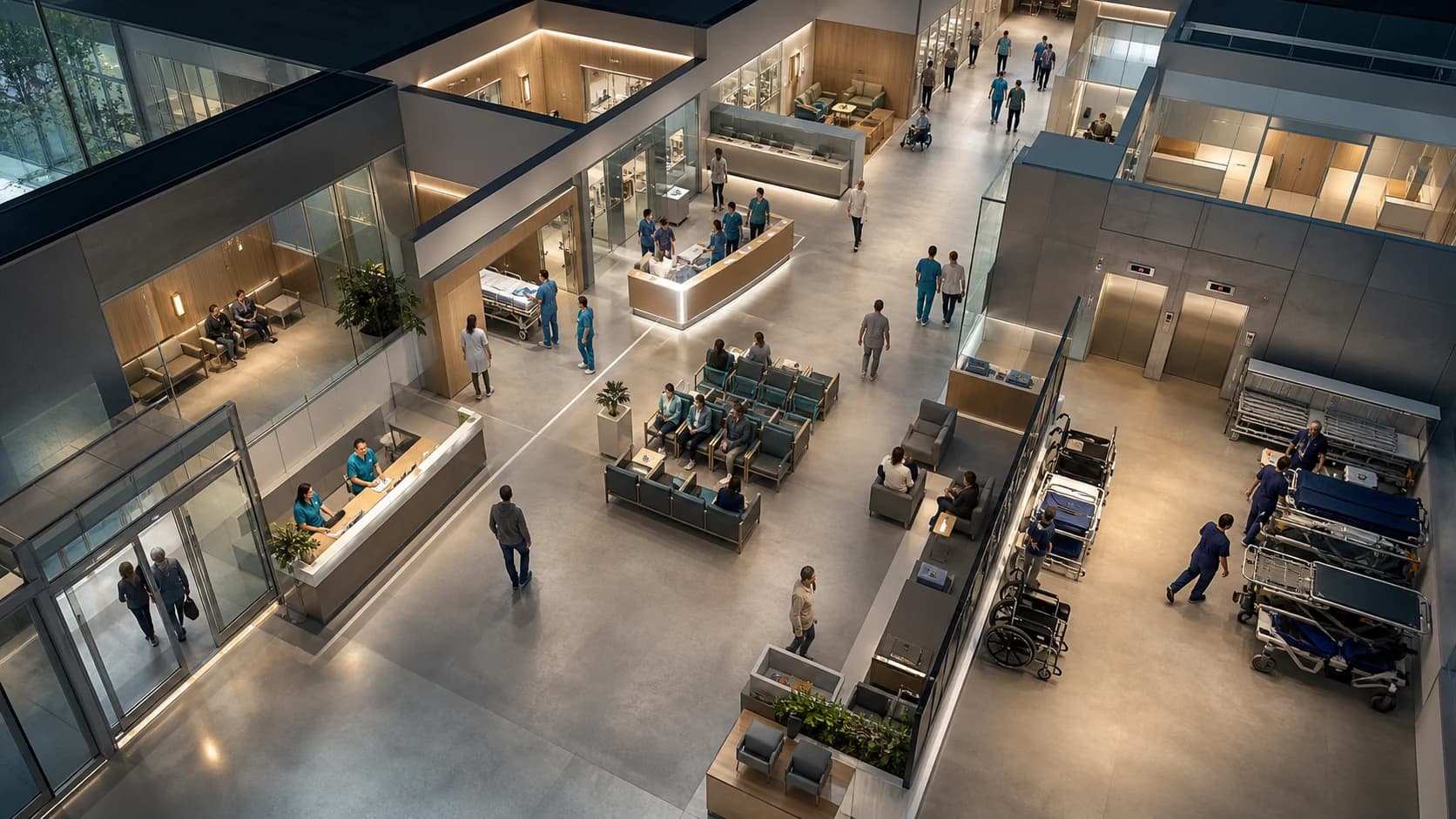
People move through the entrance, registration, waiting areas and corridors. See where movement slows and waiting starts.
Visitors enter the hospital, reach the registration desk, wait in shared areas and continue along corridors toward the lifts or room entrances. AnyVidi shows where people move and wait, and whether the registration team is nearby. It does not identify anyone or infer why they are in the hospital.
Follow people from the entrance to the registration desk, waiting areas, corridors, lifts and room entrances. See where they stop, wait or change direction, and whether the registration team is nearby.
Across the visit
Movement & journeys
Follow current and completed movement from the entrance through registration, waiting areas, corridors and room entrances.
Beyond the headcount
People, roles & context
See visitors and hospital teams in the same view without identifying people, inferring health information or rating individuals.
At a place and time
Events & touchpoints
See when visitors arrive, stop at registration, begin waiting, change direction or reach a covered room entrance.
Around physical assets
Space & asset use
See how the entrance, registration desk, waiting areas, corridors, lift approaches and covered room entrances are used.
Review completed movement, see which areas need attention now and compare the registration team’s position before and after one planned move.
REVIEW
Understand what happened across your space.
Rendering sector view
The visitor came through the main entrance and walked past the information desk to registration.
Follow the visitor from the entrance to the registration desk. The movement shows where the visitor went, not why they came to the hospital.
LIVE
See what needs attention now, while your team still has time to act.
Rendering sector view
People are waiting in the main waiting area beside registration.
The wait is concentrated between the main entrance, registration desk and main corridor.
IMPROVE
Compare what changed after a manager-selected change.
Rendering sector view
A registration team member moved from the staff area behind registration to the main waiting area beside the registration desk.
The later observation places the team member closer to the waiting area. It does not establish an improvement in service or care.
Understand how shared hospital areas work. Not who people are.
Camera images are processed on site by default. Only anonymous movement and event data may be sent for reporting. We check whether existing cameras adequately cover main entrances, registration desks, waiting areas, corridors, lift approaches and approved room entrances.
AnyVidi does not use face recognition, biometric identity or persistent personal profiles. It does not infer why someone is at the hospital, their diagnosis, health status, urgency, treatment or medical outcome. Visitors and staff are not scored. Access to hospital records requires separate authorization and governance.
Start with the hospital question that matters most.
A Spatial Audit checks whether your existing cameras reliably cover entrances, registration desks, waiting areas, corridors, lift approaches and approved room entrances. Together, we choose the first question, the areas to measure and when your team may need an alert.
If an answer requires hospital, queue, appointment, room, equipment or transport records, we assess access to those authorized systems separately. The camera-based plan remains useful without them.